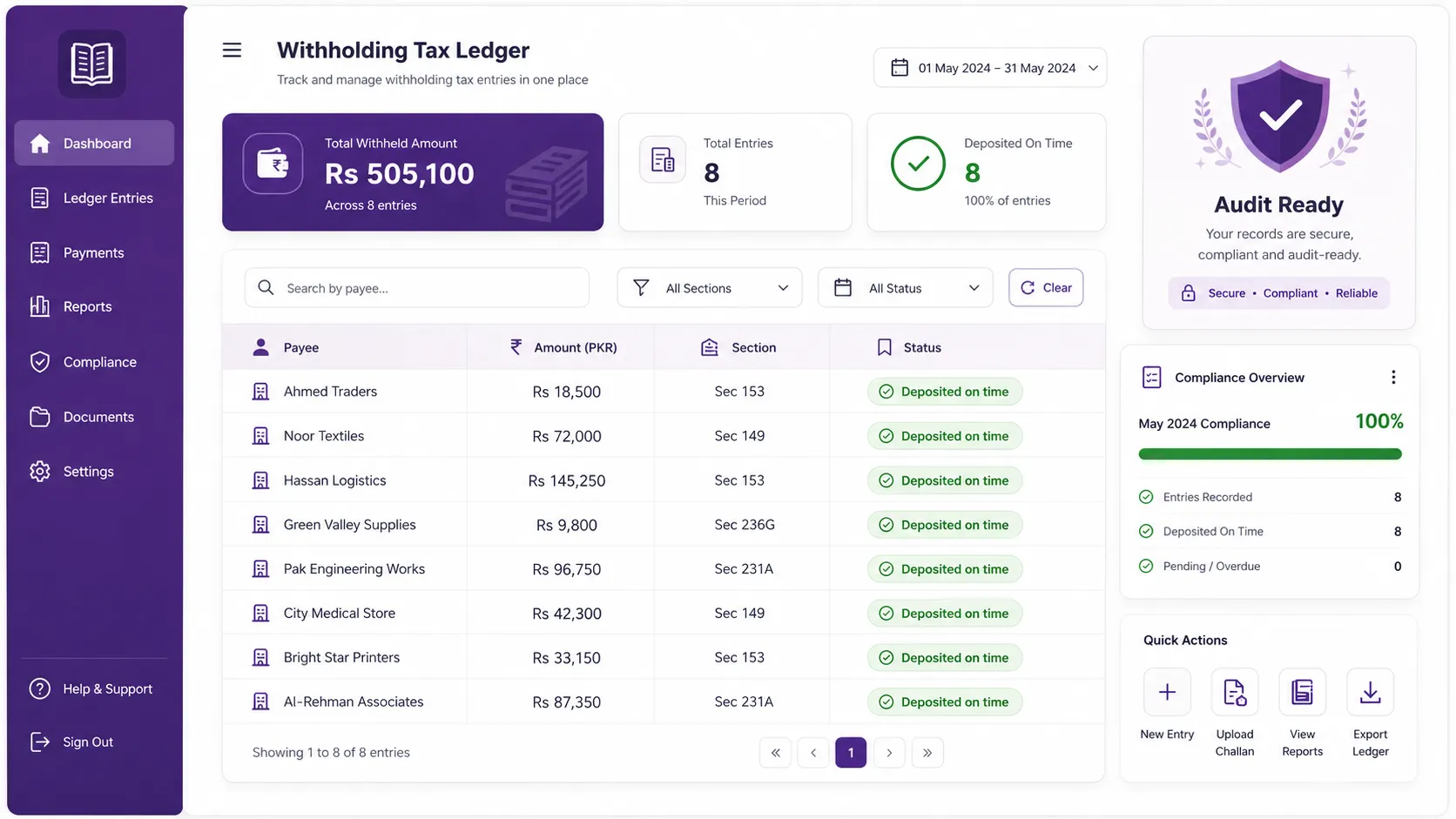
A chart of accounts (COA) is the backbone of your accounting. Get it right and your financial reports, tax returns, and audits become straightforward. Get it wrong and every month feels like untangling a knot. This guide explains how to structure a COA the Pakistan-standard way, and gives you a free template to start from.
What is a chart of accounts?
A chart of accounts is simply the organised list of every account your business uses to record money. Each account has a name and a code, and every transaction posts to one or more of them. It is the difference between a shoebox of receipts and a system you can actually report on.
The five core categories
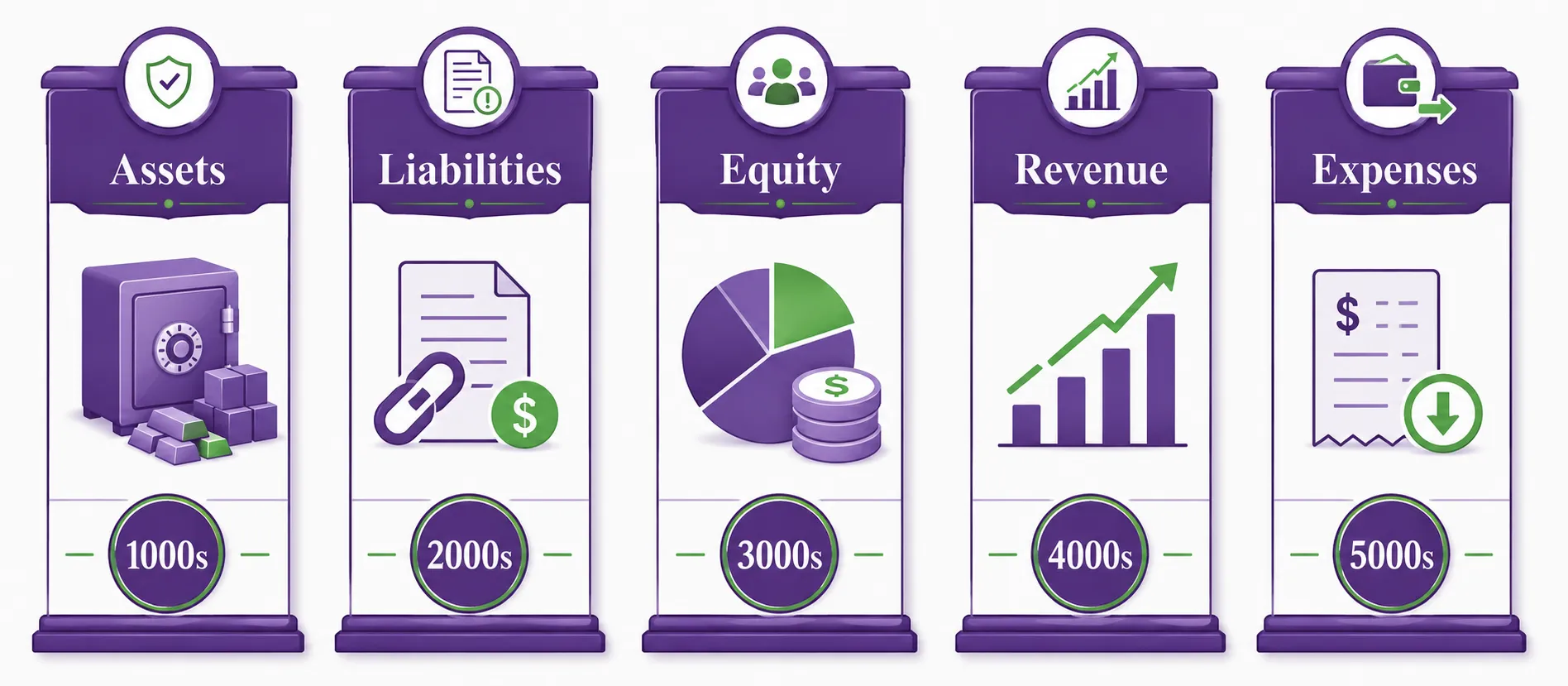
Every standard COA is built on five top-level categories:
- Assets: what the business owns (cash, bank, receivables, inventory, equipment)
- Liabilities: what the business owes (payables, loans, sales tax payable)
- Equity: the owners' stake (capital, retained earnings)
- Revenue: income from sales and services
- Expenses: the cost of running the business (salaries, rent, utilities, purchases)
Accounts are usually numbered so that 1000-series are assets, 2000-series liabilities, 3000-series equity, 4000-series revenue, and 5000-series expenses. This makes reports predictable and easy to read.
Making it Pakistan-ready
A Pakistan-standard COA adds the accounts local businesses actually need: sales tax payable and input tax, withholding tax receivable and payable, and revenue heads that map cleanly to your FBR sales register. When your COA mirrors how FBR thinks about your transactions, return filing stops being a reconciliation nightmare.
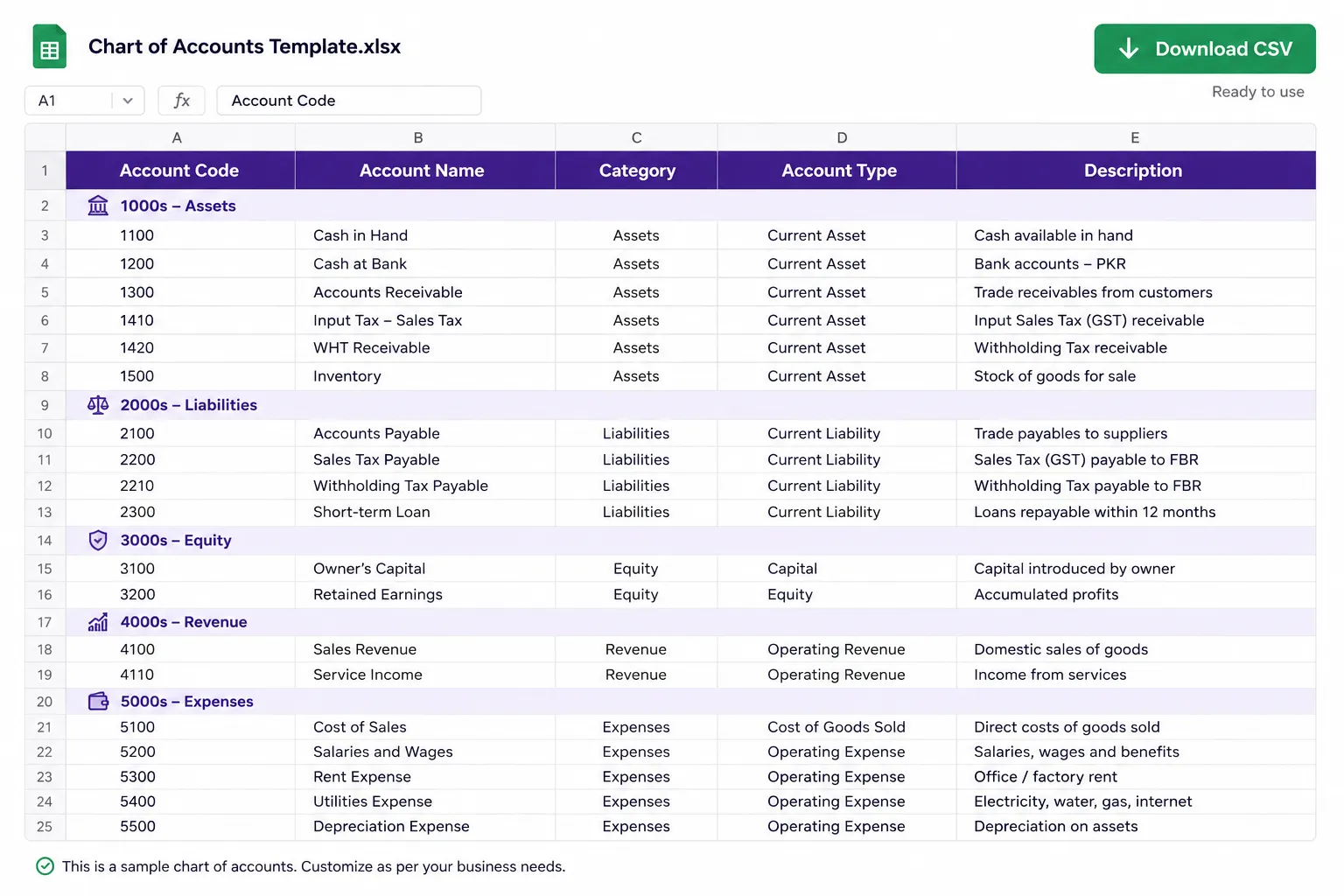
Free download: Pakistan Standard Chart of Accounts template
Want a ready-made starting point? Request the TaxHub COA template (Excel + PDF) when you book free consultation. We'll send it over and walk you through customising it for your business.
Let your invoices build your books
The real win is automation: when every FBR invoice automatically posts the correct journal entries into your COA, your books are always current. That is how TaxHub's built-in Chart of Accounts works. To see how the sales side connects, read our complete FBR digital invoicing guide.
Try TaxHub free: get FBR compliant in 10 minutes
Real-time FBR digital invoicing, complete accounting, and a dashboard that's entirely yours. No credit card required.
Book Free Consultation